


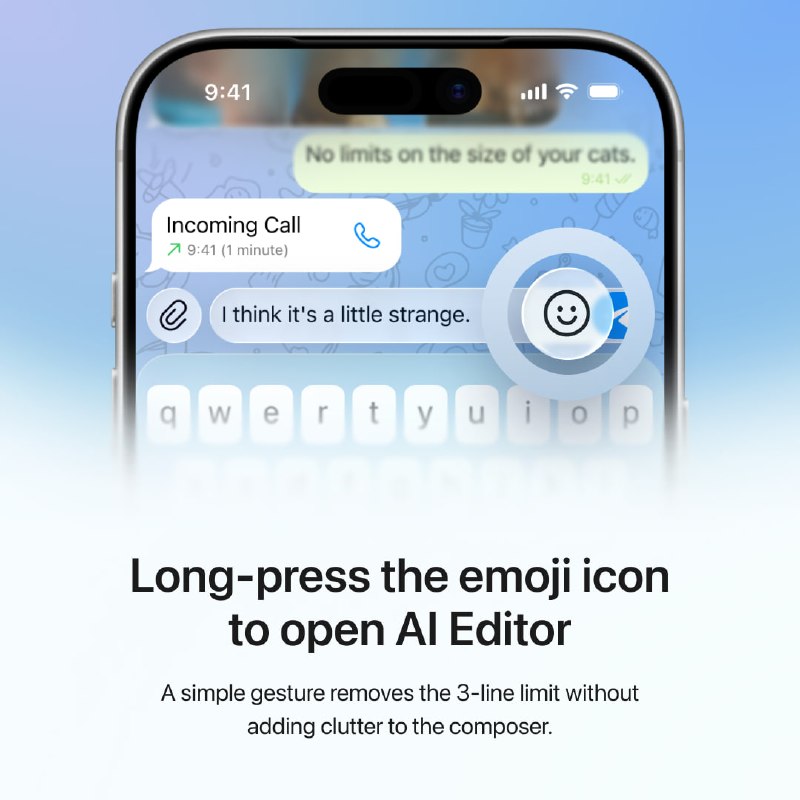


— Always accessible.
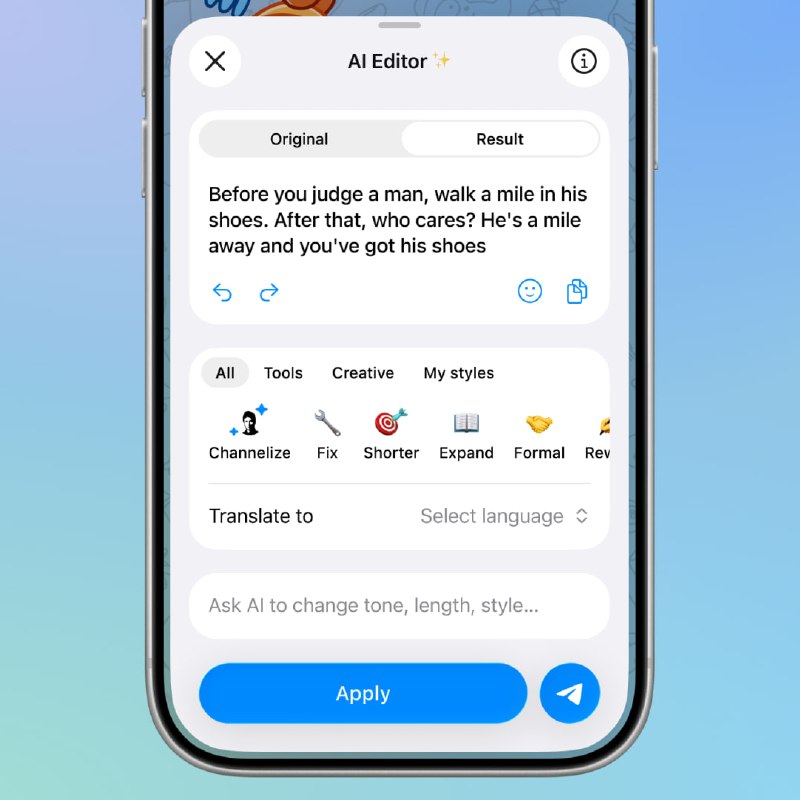
— Original / Result comparison.
— Stackable styles.
— Undo / Redo.
— Prompt field.
Original / Result segmented controls let users compare versions without losing the original text.
Styles are now actions, not modes. Users can stack them, regenerate results, translate after styling, or style after translation without switching tabs.
Fix, Formatting, and other AI actions live together as styles. Style categories keep Tools, Creative, and My Styles organized.
Undo / Redo and a temporary “Edited by AI / Undo” banner make edits reversible.
A prompt field lets users type custom instructions when presets are not enough.
AI Editor is also easier to access: long-press the emoji icon on mobile, select text from the context menu, or use the Desktop context menu.
The result is a cleaner, safer, and more flexible AI Editor for both quick messages and serious writing.
Feature 1 • Feature 2