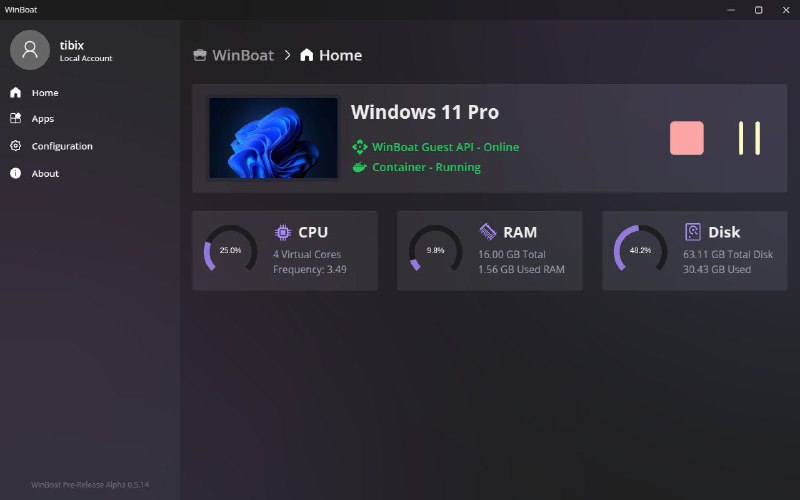
● Elegant Interface WinBoat provides a sleek and intuitive interface that seamlessly integrates Windows into your Linux desktop environment, making it feel like a native experience.
● Filesystem Integration Accessing your Linux filesystem from Windows is a breeze. Your home directory is mounted in Windows, allowing you to easily share files between the two systems without any hassle.
● Automated Installs Installing Windows via WinBoat is a delightfully simple process all done through our interface. Pick your preferences & specs and let us handle the rest.
● Full Windows Desktop Access the complete Windows desktop experience when you need it, or run individual apps seamlessly integrated into your Linux workflow
• Split APKs: Install .apks files generated by bundletool. The installer will selects the most suitable split APKs, mimicking the logic of bundletool install-apks.
• APK Dumps: Install apps from zipped APK dumps (a zip file containing all base and split APKs from pm path).
• Zipped APKs: Install a single APK from within a ZIP archive.
• Add Splits: Add new split APKs to an existing application.
• Remove Splits: Remove split APKs from existing application.
• Interactive Split Installation: When installing an app that requires splits, user can progressively add more APK files without needing to package them into a single zip file beforehand.
• Archive Apps: Archive installed applications to a zip file, which can be used for backup or sharing.
- Jetpack Compose UI: Fully declarative and responsive interface - Material Design 3: Beautiful, consistent design language - Dark/Light Theme: Automatic theme switching support - Smooth Animations: Fluid transitions and interactions
📁 Comprehensive File Management
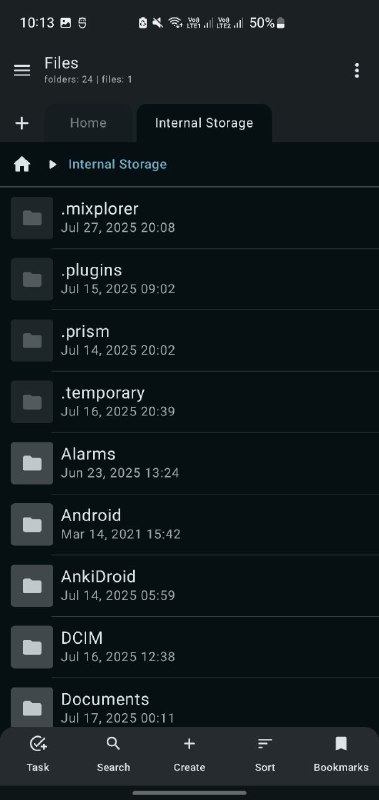
- Complete File Operations: Create, copy, move, rename, delete files and folders - Advanced Selection: Multi-select with intuitive gestures - Smart Cut/Copy/Paste: Clipboard operations with visual feedback - Batch Operations: Perform actions on multiple files simultaneously - File Properties: Detailed information about files and directories
🗂️ Advanced Features
- Multi-Tab Interface: Manage multiple directories simultaneously - Quick Navigation: Breadcrumb navigation and quick access shortcuts - Search Functionality: Find files and folders quickly - Sorting Options: Sort by name, size, date, type with ascending/descending order - View Modes: Grid and list view options
📺 Built-in Media Viewers
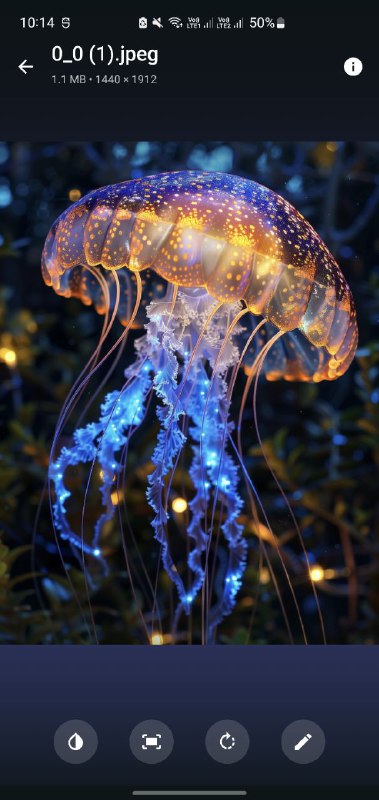
- Image Viewer: Support for JPEG, PNG, GIF, WebP, and more - Video Player: Play MP4, AVI, MKV, MOV, and other formats - Audio Player: MP3, WAV, FLAC, OGG playback support - PDF Viewer: View PDF documents natively - Text Editor: Syntax highlighting for code files
🗜️ Archive Management
- Extract Archives: Support for ZIP format - Create Archives: Compress files and folders into ZIP format - Archive Preview: Browse archive contents without extraction
⚡ Performance & Efficiency
- Lightweight: Minimal resource usage and fast startup - Optimized: Smooth performance on low-end devices - Background Operations: Non-blocking file operations - Memory Efficient: Smart memory management for large directories