Admin’s View
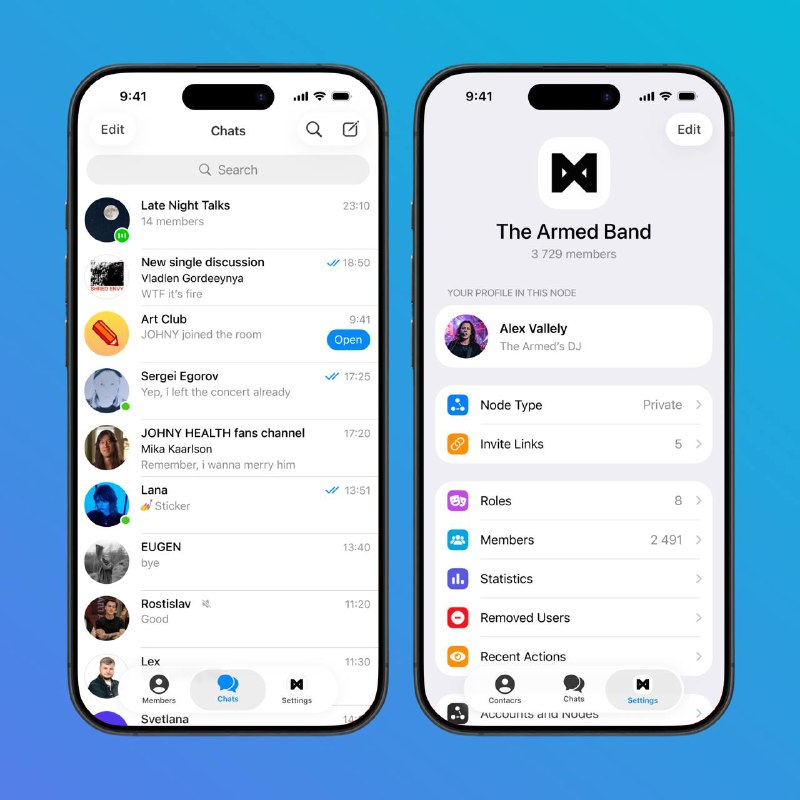
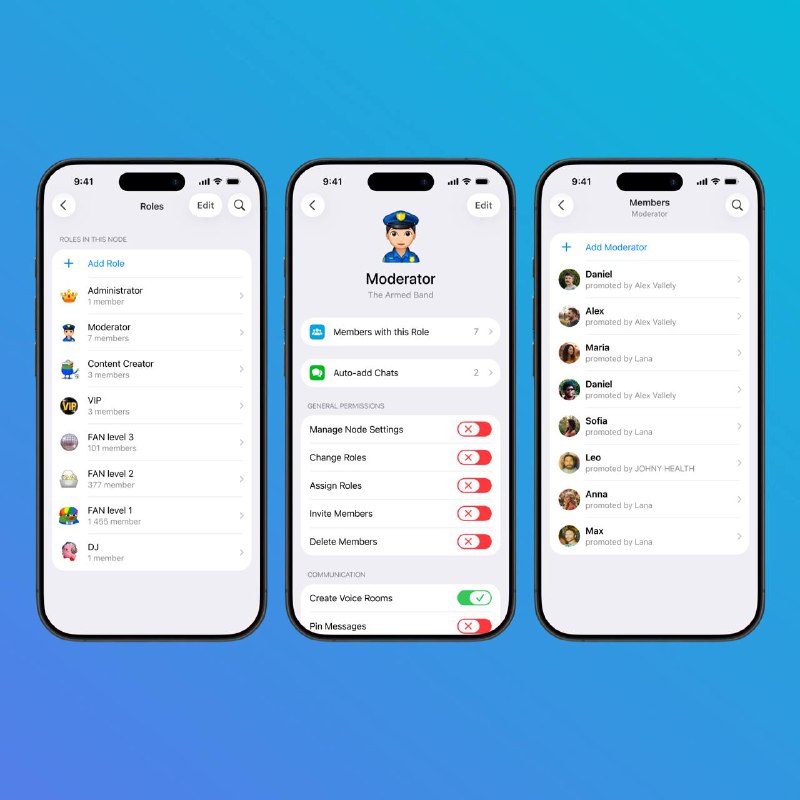
For admins, the Settings tab contains the Node management tools, where they can configure the Node, create roles and assign them to users
Each role has a name, an emoji identifier, automations (for example, auto‑joining related chats to simplify onboarding new members) and an extensive list of permissions
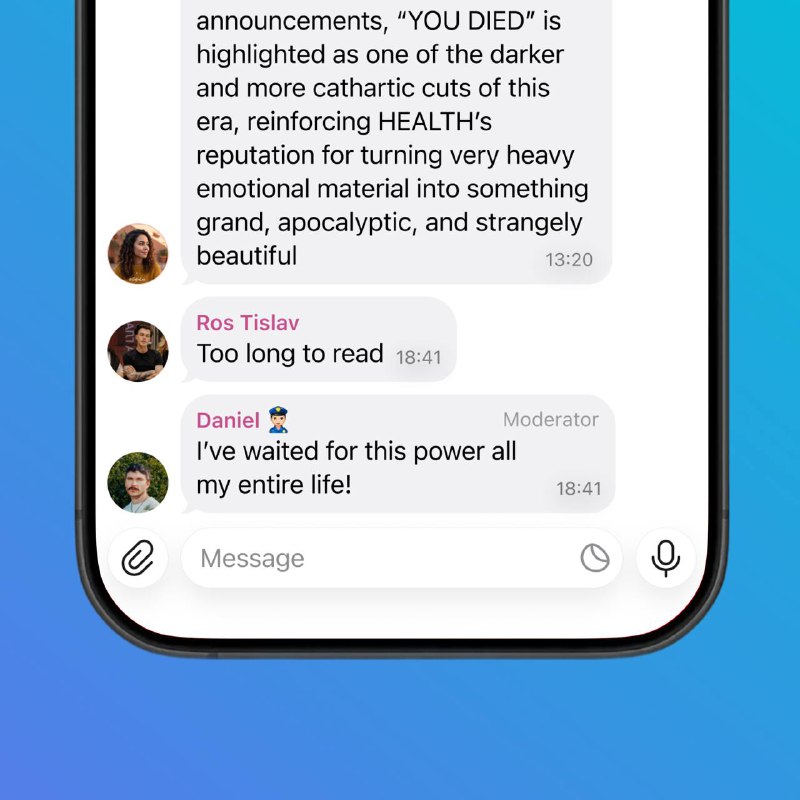
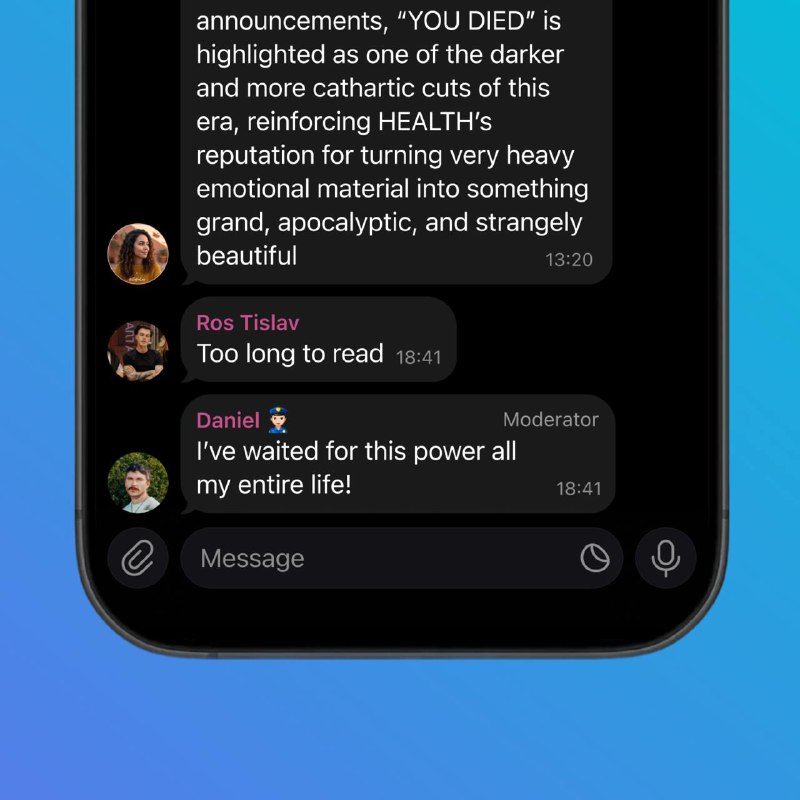
Once a role is assigned, its emoji identifier and title are displayed on the message bubble. Emoji identifiers can be made unique within a Node, so only users with a specific role can wear that badge
Post #18
303