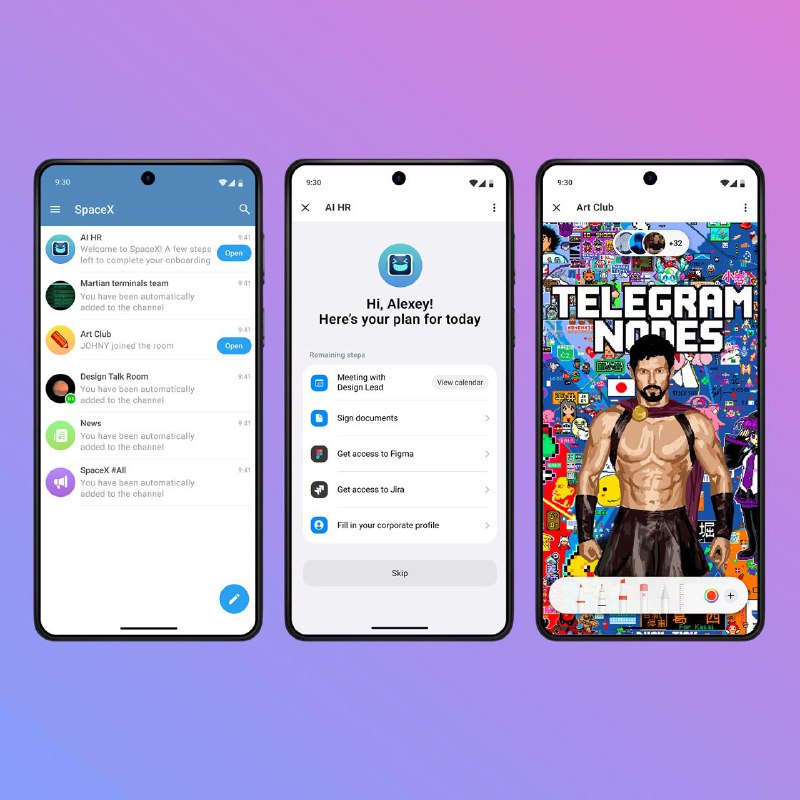
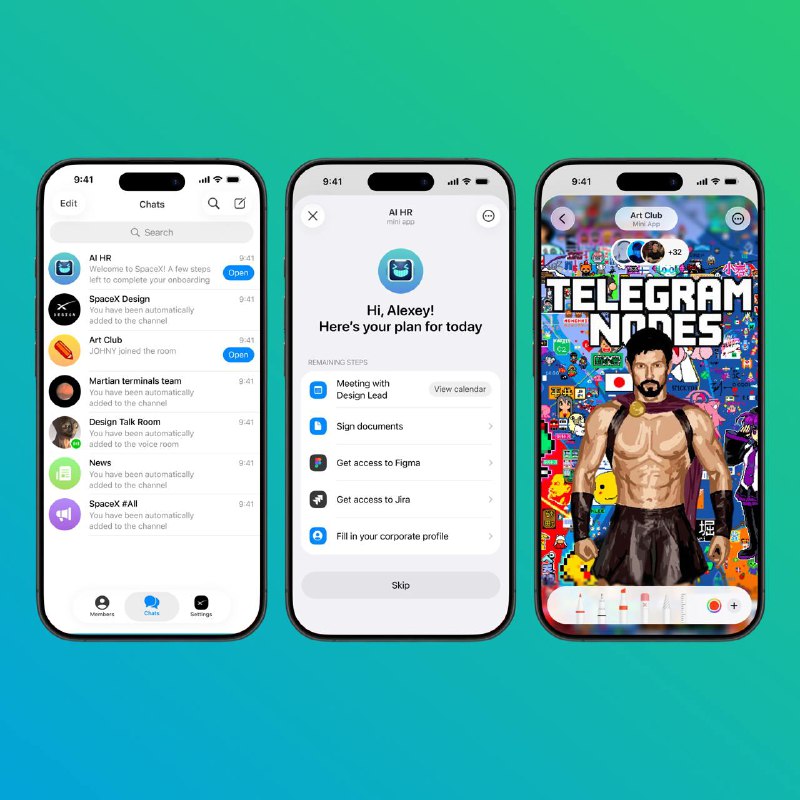
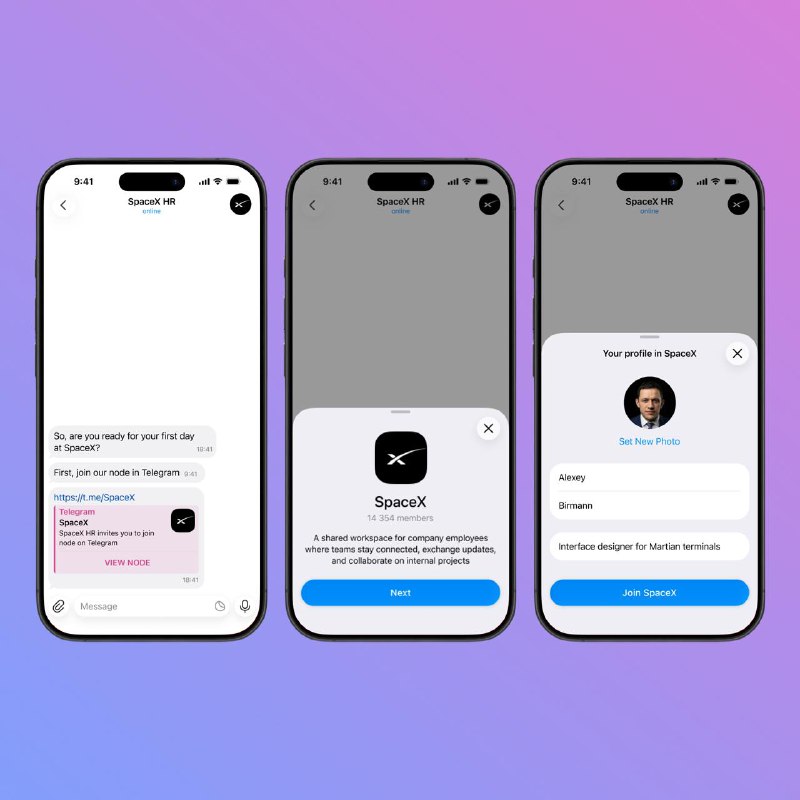
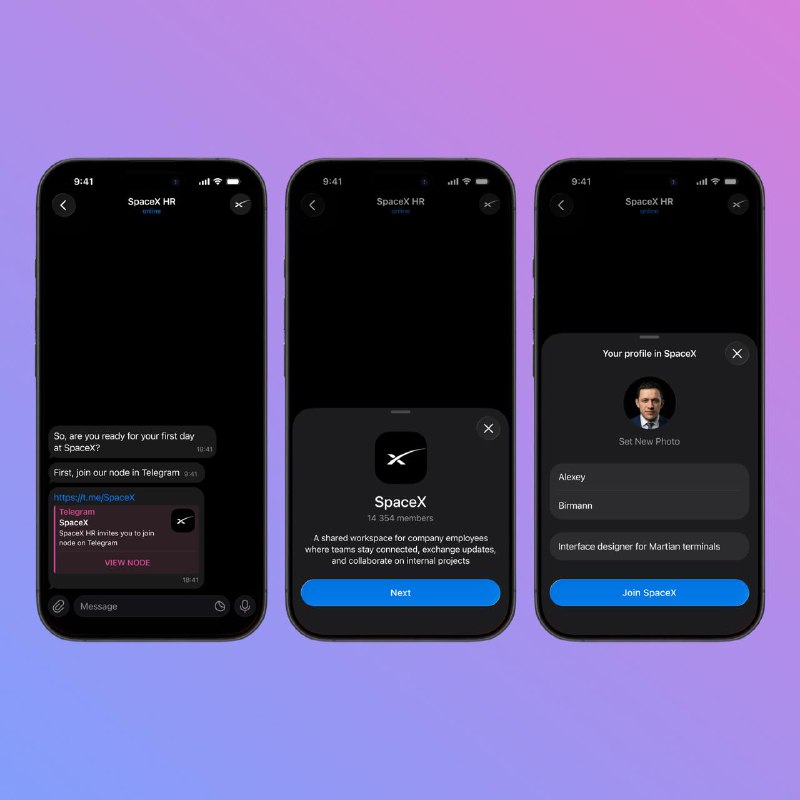
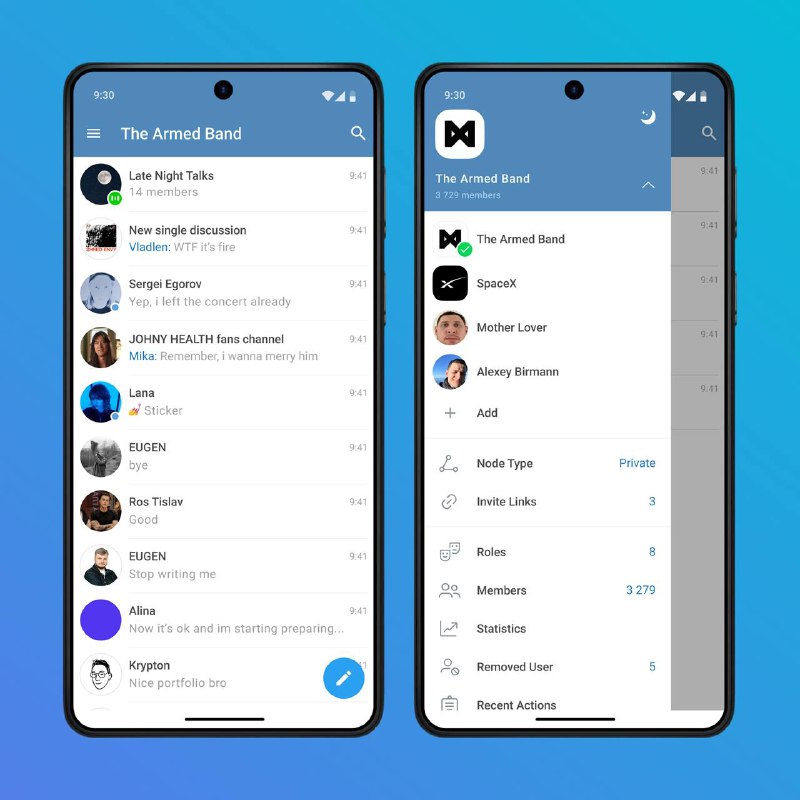
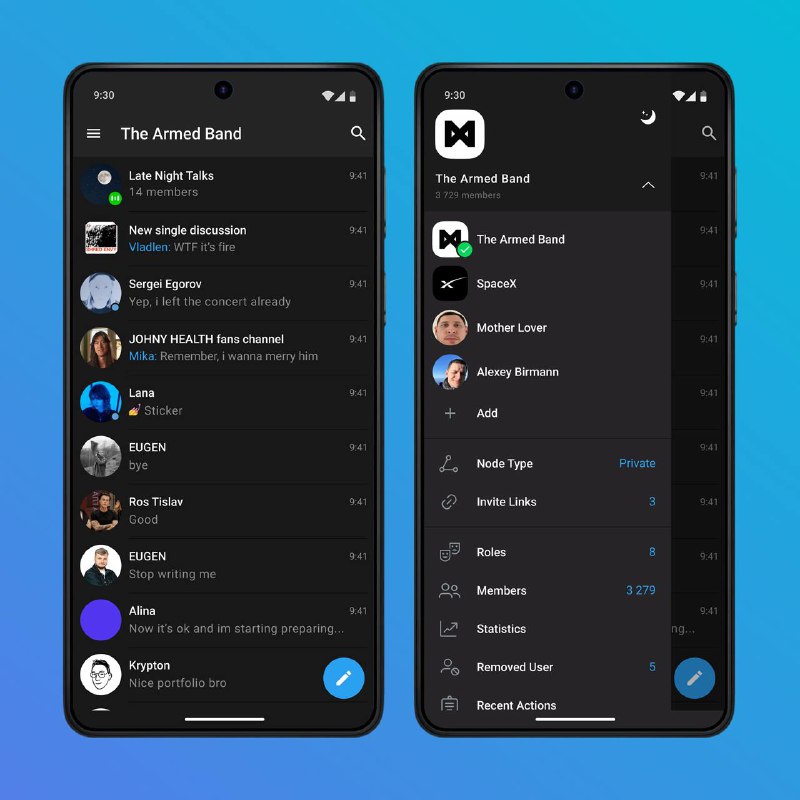
Nodes can be deeply customized with admin‑managed mini apps that cover a wide range of scenarios: from corporate onboarding and internal communication to rooms with playful, community‑driven experiences
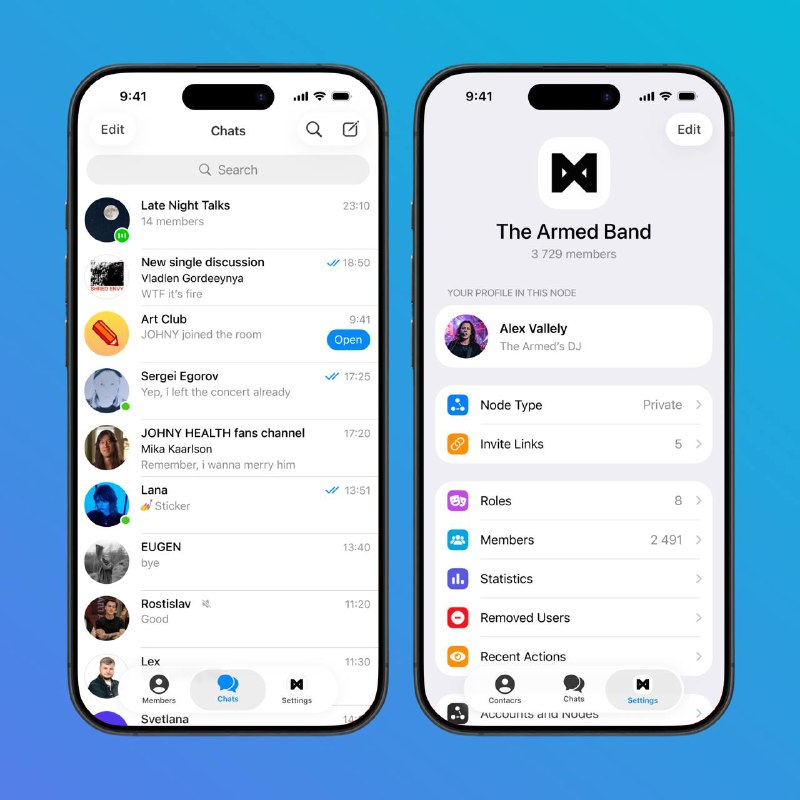
While joining a Node, users can either set up a dedicated local profile right away or keep the profile from their current account, which will likely work best for most cases
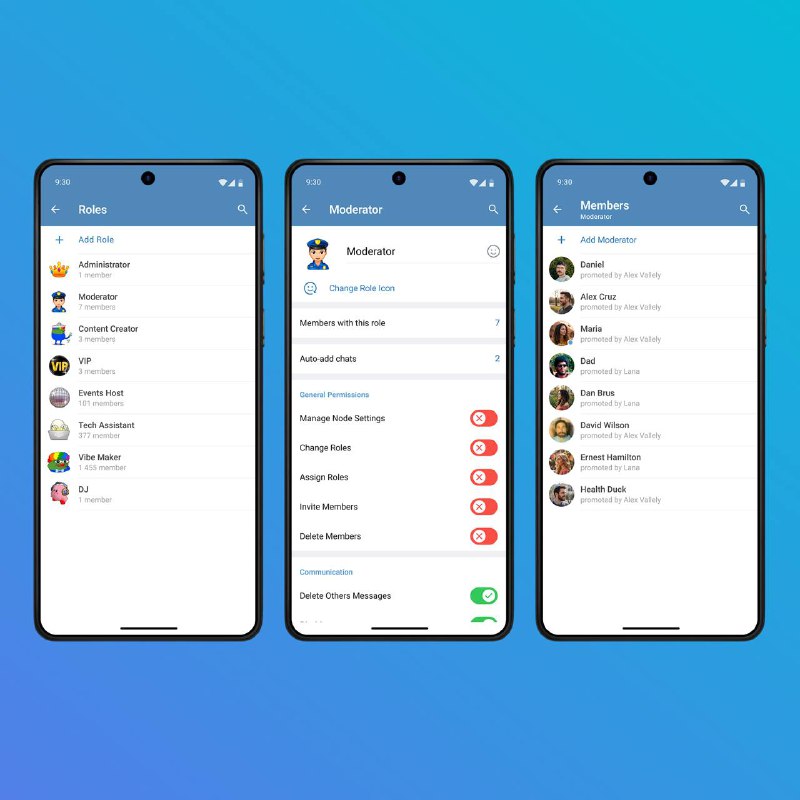
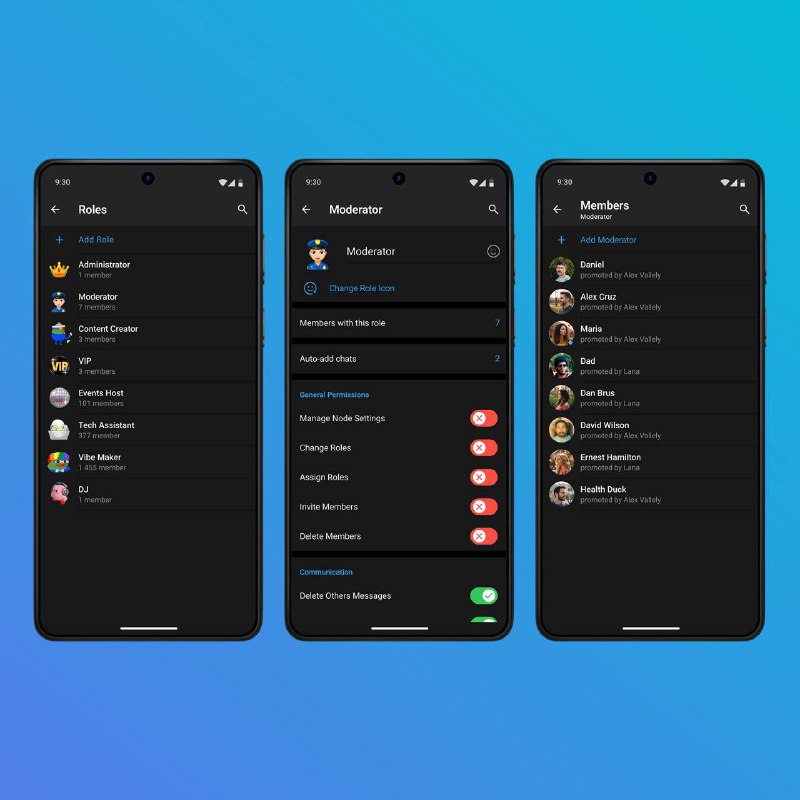
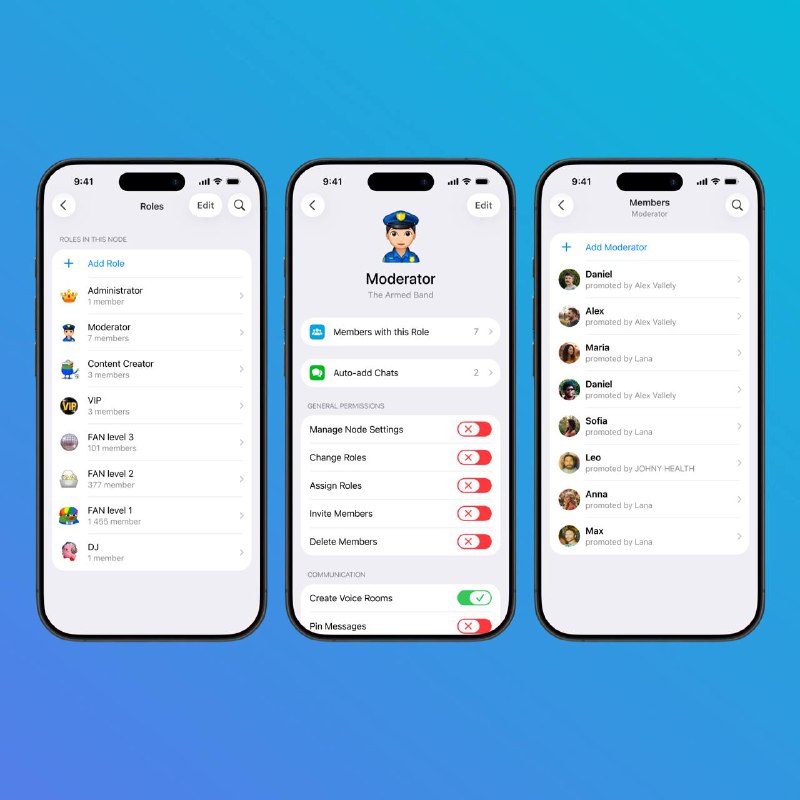
For admins, the Settings tab contains the Node management tools, where they can configure the Node, create roles and assign them to users
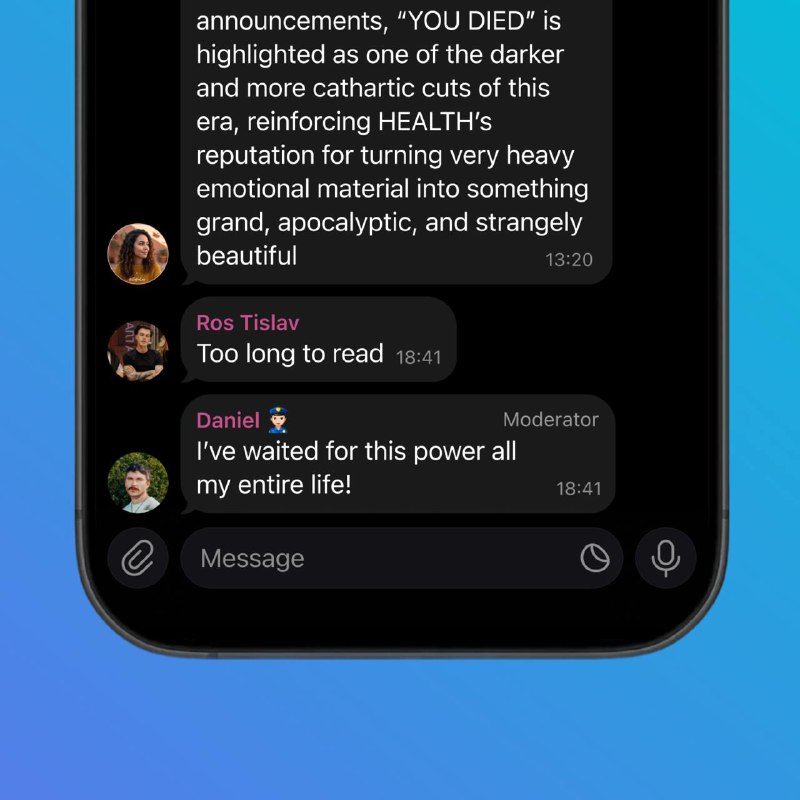
Each role has a name, an emoji identifier, automations (for example, auto‑joining related chats to simplify onboarding new members) and an extensive list of permissions
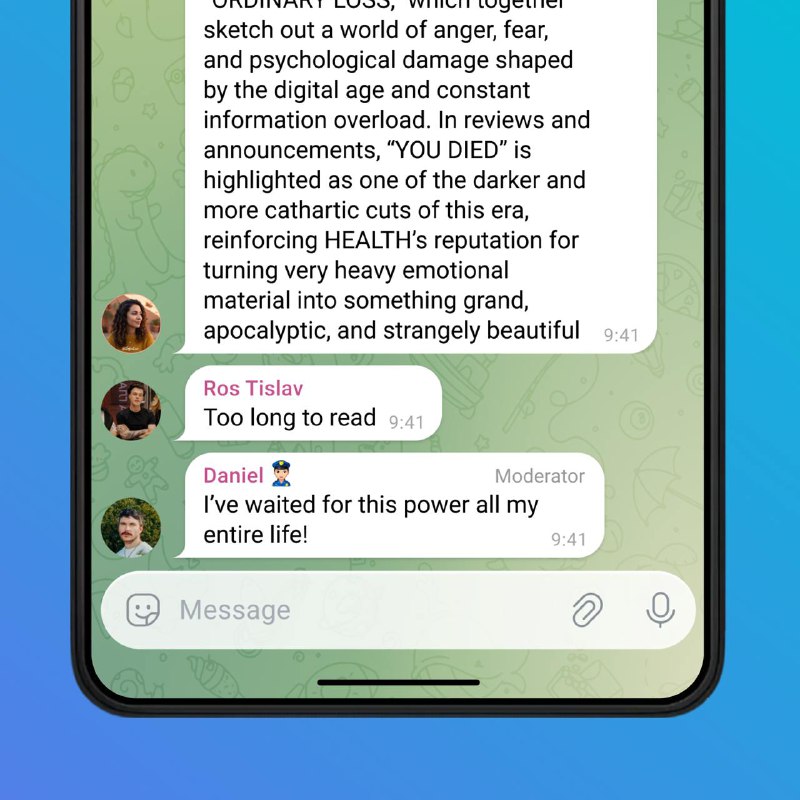
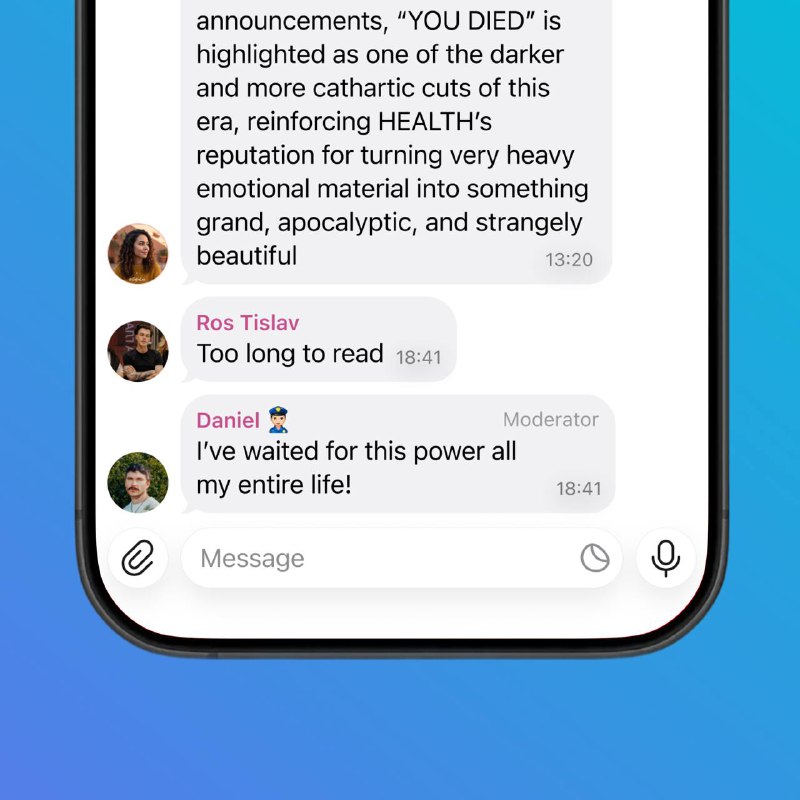
Once a role is assigned, its emoji identifier and title are displayed on the message bubble. Emoji identifiers can be made unique within a Node, so only users with a specific role can wear that badge
How can I read @sergei_egorov_contest without a Telegram account?
TGViewer shows the public web preview Telegram publishes for Sergei Egorov / Telegram Contest 2025: recent posts, photos, videos and the subscriber count, with no app, login or account.
How many subscribers does Sergei Egorov / Telegram Contest 2025 have?
Sergei Egorov / Telegram Contest 2025 (@sergei_egorov_contest) has 48 subscribers on Telegram, refreshed roughly every 30 minutes.
Does Sergei Egorov / Telegram Contest 2025 know I viewed it here?
No. Public channel previews carry no viewer identity, and TGViewer has no accounts or tracking of what you look up.
 SE
SE