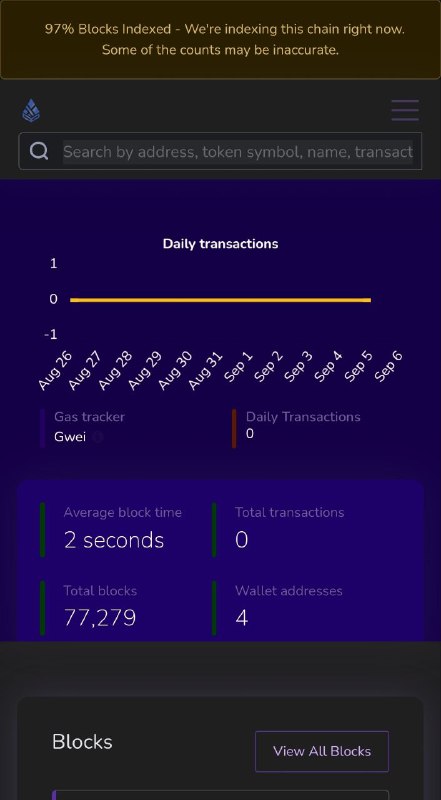
$XTH Test Network
How to add $XTH Test Network to metamask
1. Open Metamask
2. Click Select Network
3. Click Add Network
4. Choose Add a Network Manually
5. Put these details:
Testnet:
RPC url: https://trpc.xthereum.net
ChainID: 4810
Symbol: XTH
Explorer: https://tex.xthereum.net
Faucet: https://fct.xthereum.net
6. Connect Metamask to $XTH Testnet.
Post #5
2K