TGViewer
Технические возможности Технические возможности @technical_capability · 140 subscribers
Post #181 268
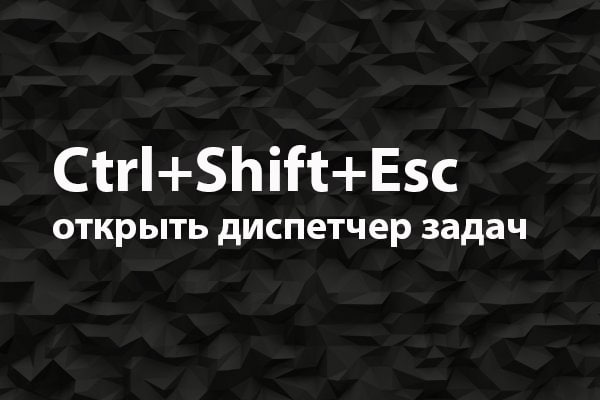
Как открыть диспетчер задач

Некоторые открывают диспетчер задач по-старинке, кликая Ctrl+Alt+Delete на клавиатуре и уже в открывшемся меню выбирая пункт «Диспетчер задач».

Но есть более простая комбинация, которая сразу запускает диспетчер, минуя разные меню и диалоги, — Ctrl+Shift+Esc.

А для тех, кто никогда не открывал диспетчер или только закрывал с его помощью зависшие программы, мы подготовили подробную статью о возможностях диспетчера задач.

Как обычно, в комментариях мы будем рады ответить на ваши вопросы и помочь с работой в диспетчере ;-)

#БыстрыеСоветы #горячки #Windows #ДиспетчерЗадач @Technical_capability
More from @technical_capability
  1. Jun 19, 2024The owner of this channel has been inactive for the last 11 months. If they remain inactiv…
  2. Jun 10, 2024The owner of this channel has been inactive for the last 11 months. If they remain inactiv…
  3. May 31, 2024The owner of this channel has been inactive for the last 11 months. If they remain inactiv…
  4. May 10, 2022The account of the user that owns this channel has been inactive for the last 11 months. I…
  5. May 3, 2022The account of the user that owns this channel has been inactive for the last 11 months. I…
  6. Jun 30, 2021⌨️ Как научиться быстро печатать Если вам надоело искать буквы на клавиатуре, то пора выде…
Threads Profile ViewerView any public Threads profile without an account.Open ThreadLook →Writing with AI? Make it sound human.Metric37 rewrites AI drafts so they read naturally. Free AI detector, 1,500 words free.Try Metric37 →