Post #74
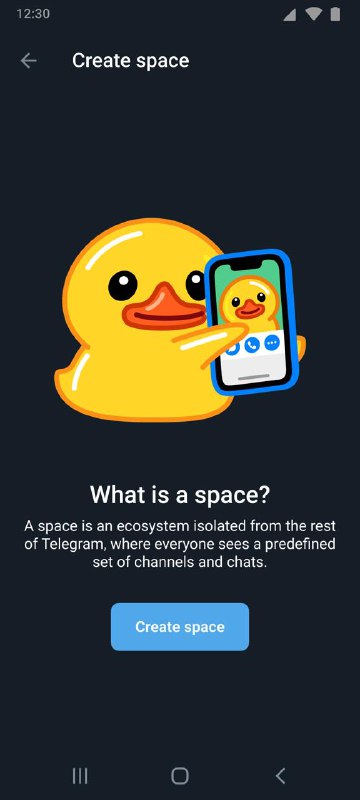
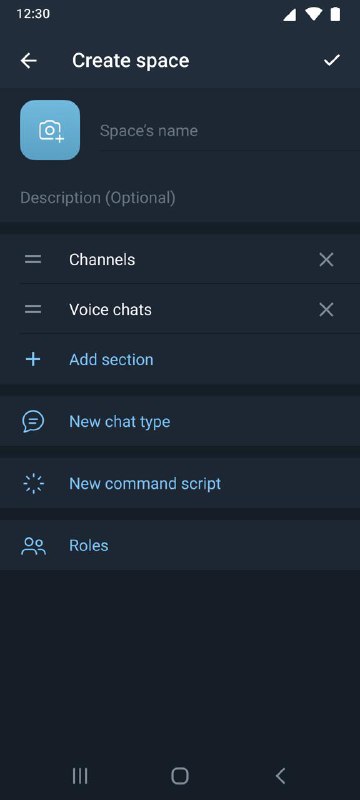
195 1. Creating spaces (Android Night Theme)
Includes creation of sections, chat types, scenarios and roles
Post #68
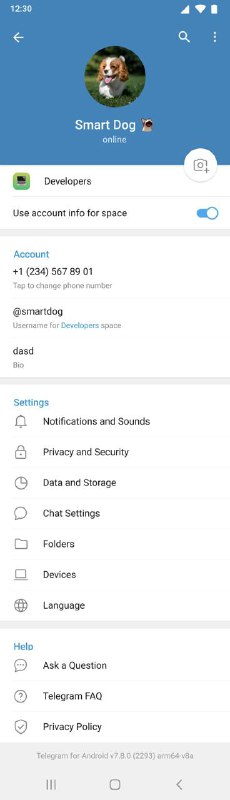
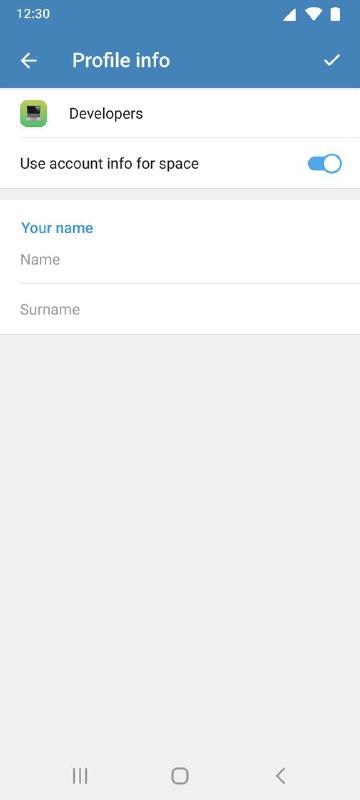
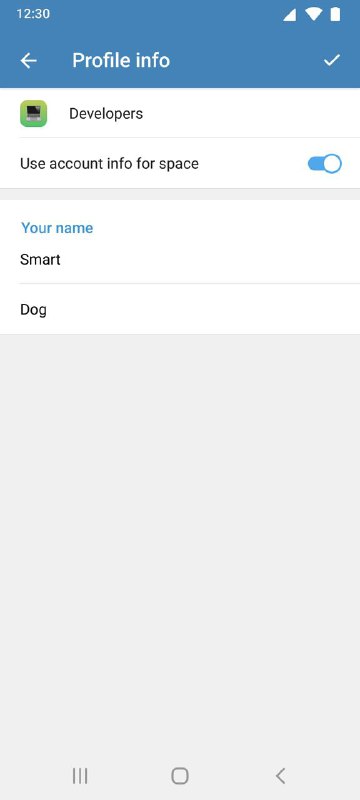
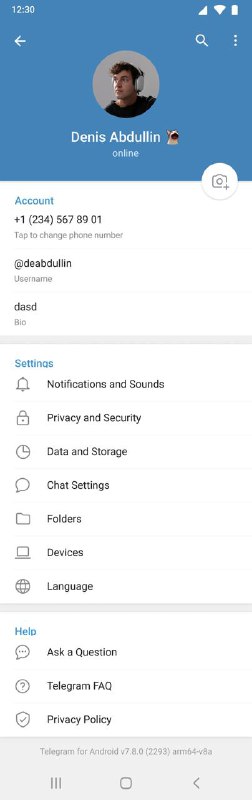
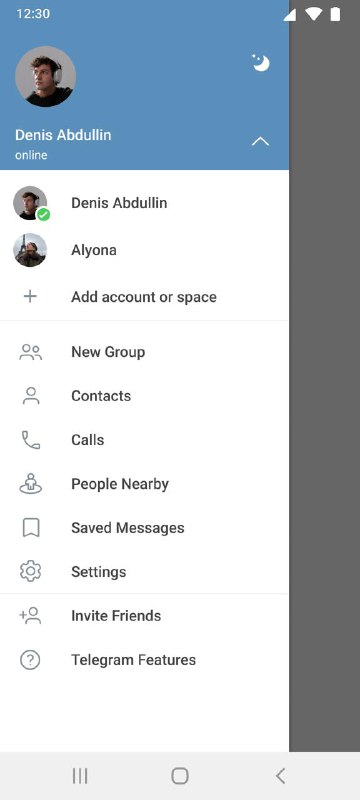
192 8. Editing profile (Android Day Theme)
You can use the information from your account or specify separate information for the space.
Post #66
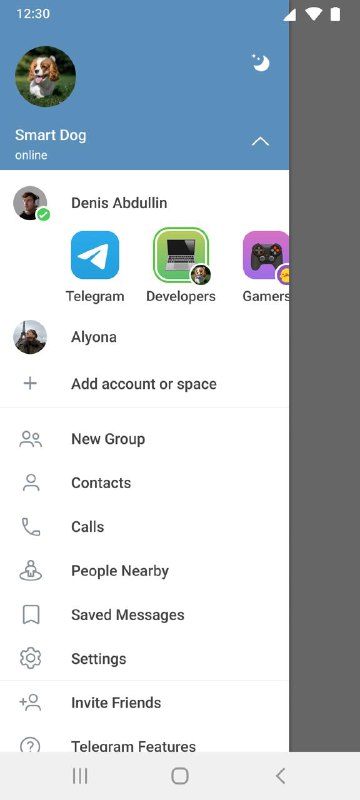
166 7. Switching spaces (Android Day Theme)
Switching chats via the top left icon and via the settings screen.
Post #63
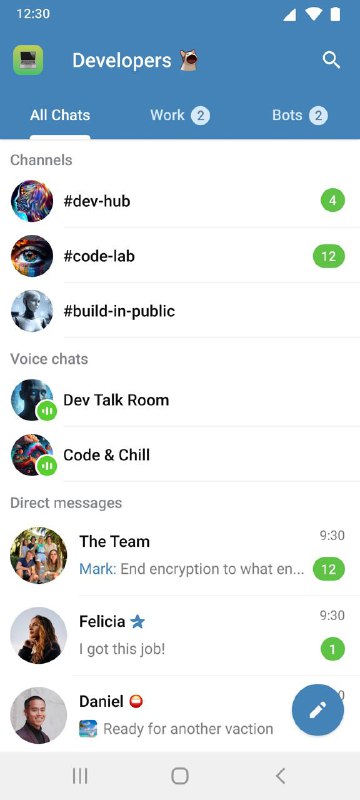
160 6. Chats (Android Day Theme)
Chat lists in spaces are divided into sections, with their own chat types and scenarios. The header displays the space name and its own icon.
Post #60
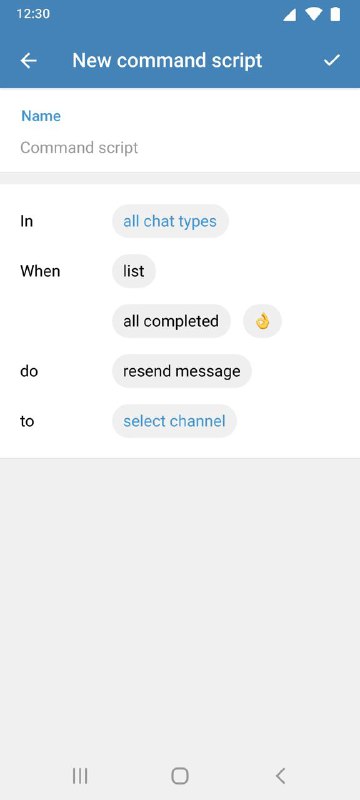
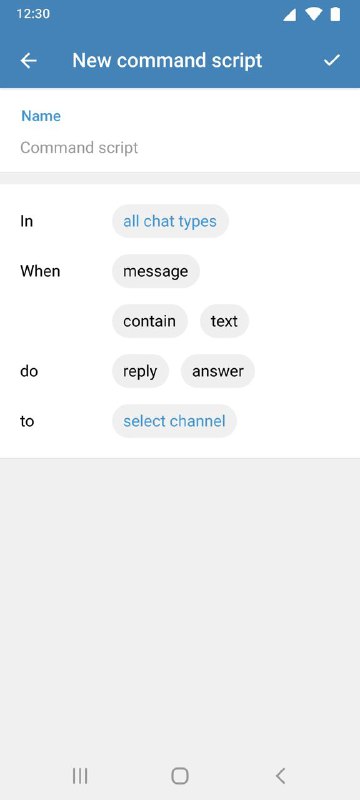
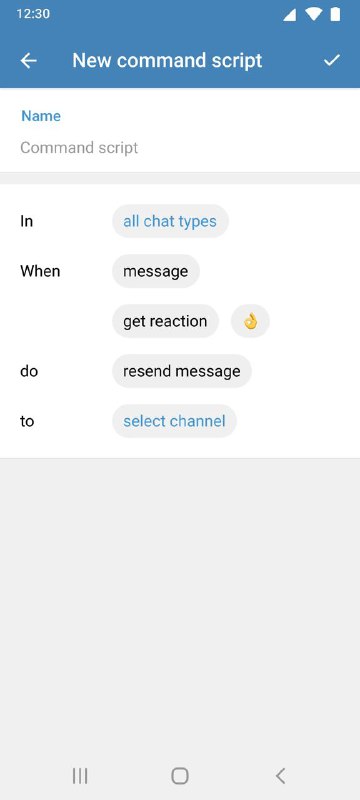
150 5. Scenarios (Android Day Theme)
The ability to create custom scripts for specific events.
For example, moving messages to another chat if a reaction is received.
Post #59
146 4. New chat (Android Day Theme)
Example of a chat creation list
Post #56
137 3. Creating Chat Types (Android Day Theme)
The ability to create custom chat types with specific message types and settings, even with just stickers.
For example, you can set up voice chats to open when you open them.
 RE
RE