
电报解除18禁教程:
1. 打开 Telegram Web 网页版 https://web.telegram.org
2. 登录 Telegram 账号
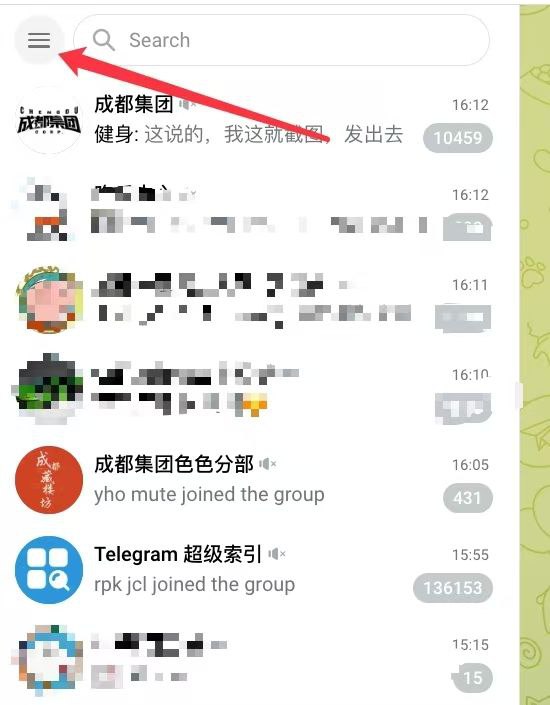
3. 点击左上角的三个横线进入 Settings(设置) Privacy and Security(隐私和安全) Sensitive Content(显示敏感内容)并开启此功能
4. 操作完成后,重启 iOS 客户端(iOS 客户端需要更新至最新版)
——
Access to telegram 18+ Restrictions:
1. Open the Telegram Web web version https://web.telegram.org
2. Log in to Telegram account
3. Click the three horizontal lines in the upper left corner to enter Settings Privacy and Security Sensitive Content and turn on this feature
4. After the operation is completed, restart the iOS client (the iOS client needs to be updated to the latest version)
每日疼痛挑战 投稿机器人
Daily dose of pain | Submission bot
备份入口 装逼图库
Backup channel | Gallery of luxury
Post #10
12.9K


- ❤ 24
- 🤬 1