
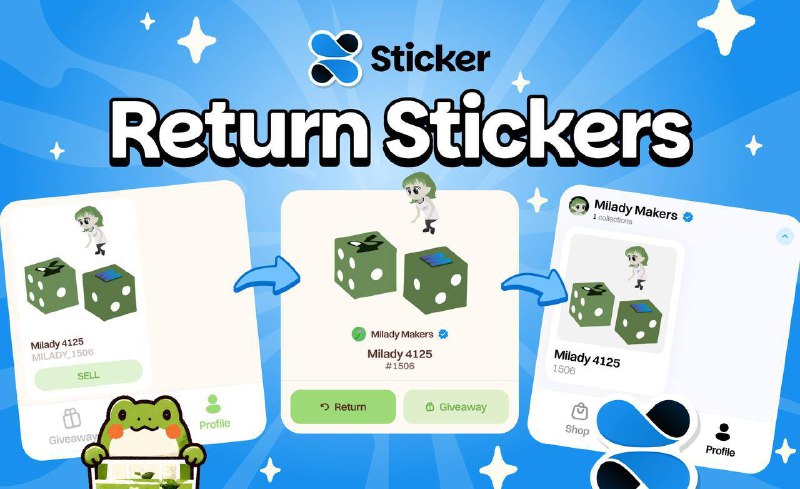
We’ve prepared a simple guide for you:
1. Go to Matcha Market, open the Profile section and find the sticker you need.
2. Click the Return button.
3. Done — the sticker is back on StickerX!
It’s very simple and easy to do! 🍵
Matcha Market | Telegram | Twitter