
1. Add the LinkLayer Network to Your Wallet
Open Metamask → Settings → Networks → Add network and enter:
🟢 Network Name:
LinkLayer Testnet🟢 RPC URL:
https://testnet.linklayerll2.io/rpc🟢 Chain ID:
77162🟢 Symbol: LLETH
🟢 Explorer:
https://testnet.linklayerll2.io/2. Get Testnet ETH on L1
Since LinkLayer is built on Opstack, the Layer 1 is Ethereum testnet (Sepolia).
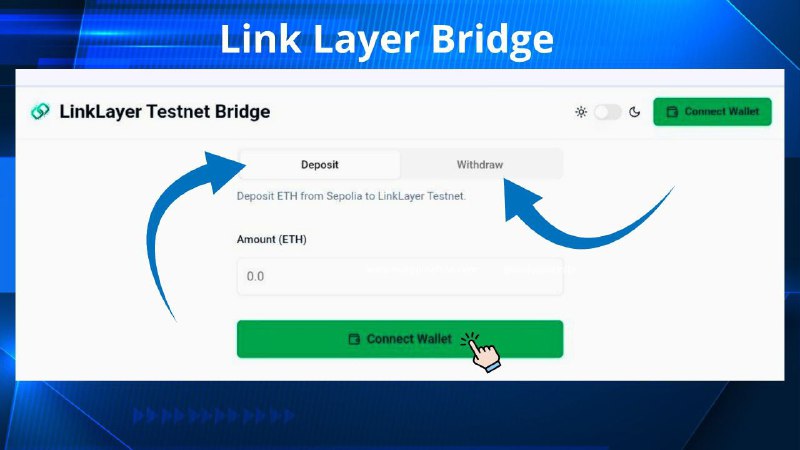
3. Use the Official Bridge
Go to the official bridge:
🟢 Bridge :
https://testnet-bridge.linklayerll2.ioConnect your wallet.
Select From: Ethereum Testnet (Sepolia) → To: LinkLayer Testnet (77162).
Enter the amount of ETH you want to deposit.
Click Bridge/Deposit and confirm the transaction in Metamask.
4. Wait for Confirmation
Your transaction will first appear on the Ethereum testnet explorer.
After a short time, the funds will show up on the LinkLayer Testnet explorer:
🟢Explorer
https://testnet.linklayerll2.io/5. (Optional) Withdraw Back to L1
If you want to move ETH back from L2 to L1, use the Withdraw option in the bridge UI.