
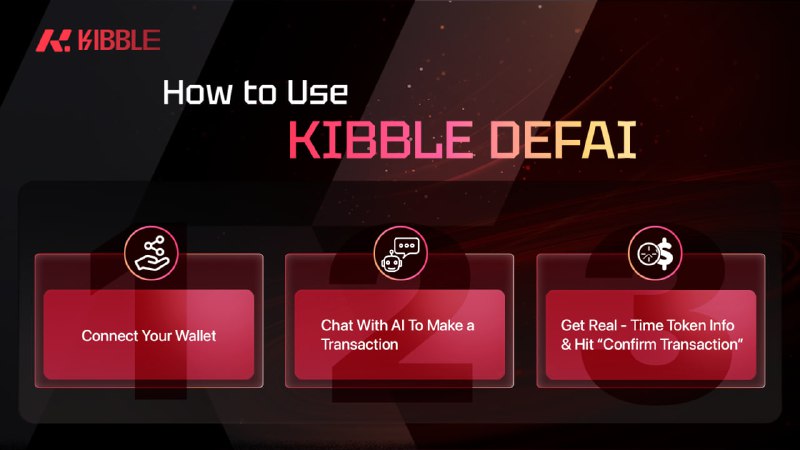
❓ How to Use Kibble DeFAI in 3 Simple Steps 🚀
Kibble DeFAI has officially launched – bringing convenience and simplicity to your Web3 transactions like never before!
✨ Just follow these quick steps to start using Kibble DeFi:
Step 1️⃣: Connect Your Web3 Wallet
- Click “Connect Wallet”
- Choose your preferred wallet (MetaMask, WalletConnect, etc.)
- Sign the message to connect
Step 2️⃣: Chat with AI to Make a Transaction
Use simple commands like:
💬 “Swap 100 USDC to AVAX” or
💬 “Send 50 DAI to 0x…”
The AI will understand your request and show transaction details (price, fee, slippage, etc.)
👉 Click “Confirm Transaction” to proceed
Step 3️⃣: Sign in Your Wallet
- Open your wallet to sign and confirm the transaction
- Once completed, you’ll see a success message with full transaction details
🧠 Let Kibbe DeFAI simplify DeFi for you.
👉 Try it now: https://defai.kibble.exchange
✏️ Read the full guide here: Your Guideline to Kibble DeFAI World — All You Need To Start
🔗 Join our community for the latest updates:
🌐 Website | 📱Twitter | 📱 Telegram Channel |📱Telegram Official | 🔉 Discord | 📱 Youtube | 📱 Medium
Post #333
1.02K
- ❤ 176
- 🔥 173
- 🥰 162