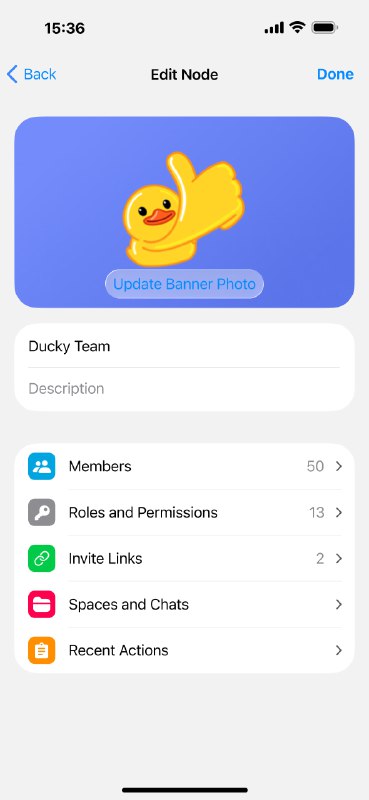
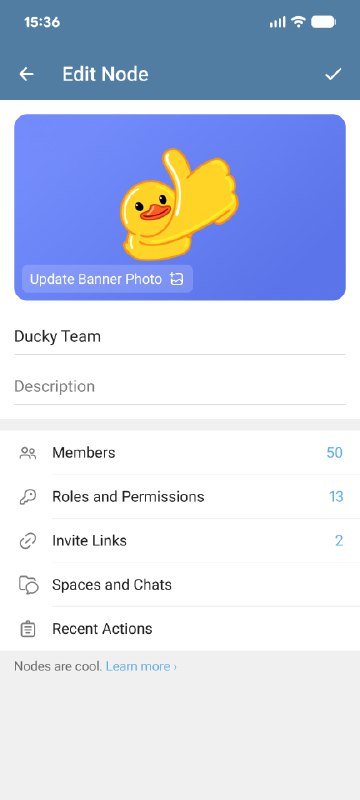
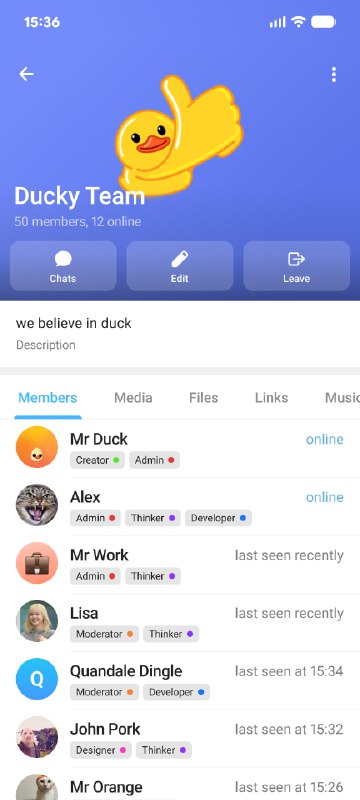
Admins can invite more people to their Node using invite links.
Invite links can be configured to allow users to preview the Node for some time before joining, letting them explore some Spaces and chats without committing.
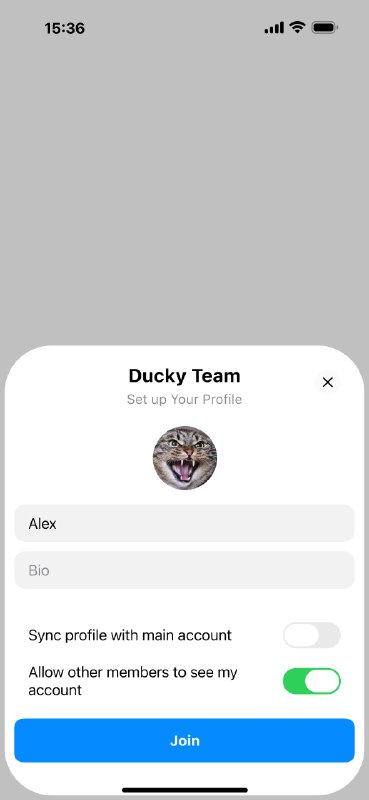
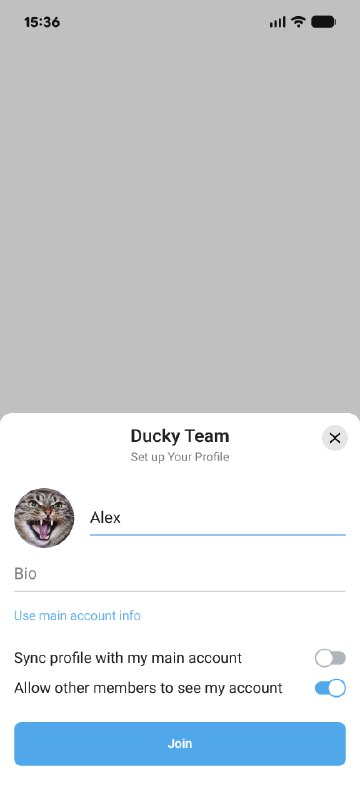
Admins can also control whether invited users can hide their main Telegram account from other members of the Node.
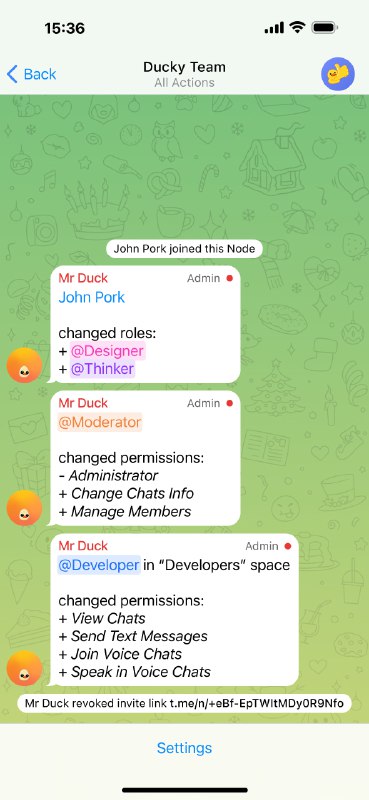
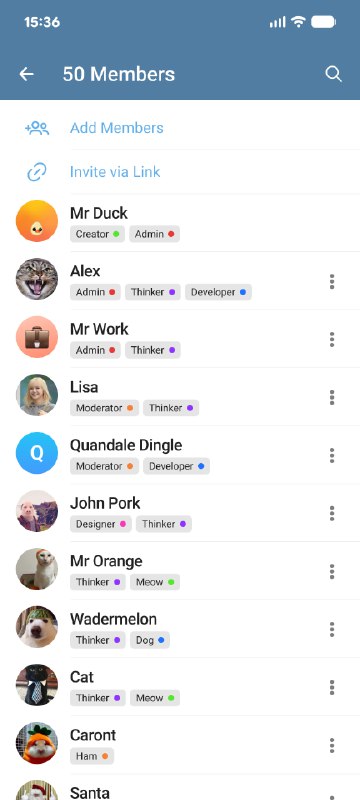
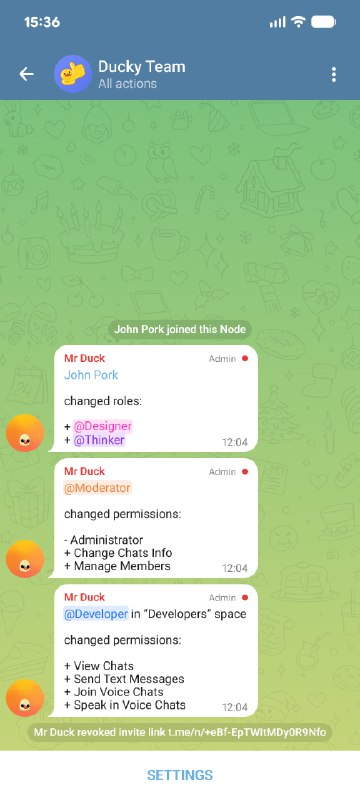
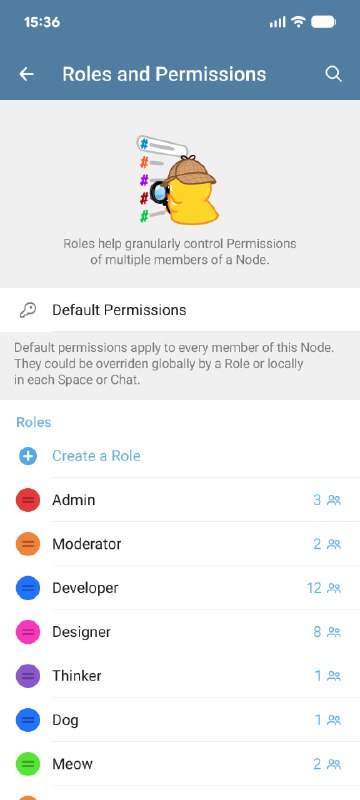
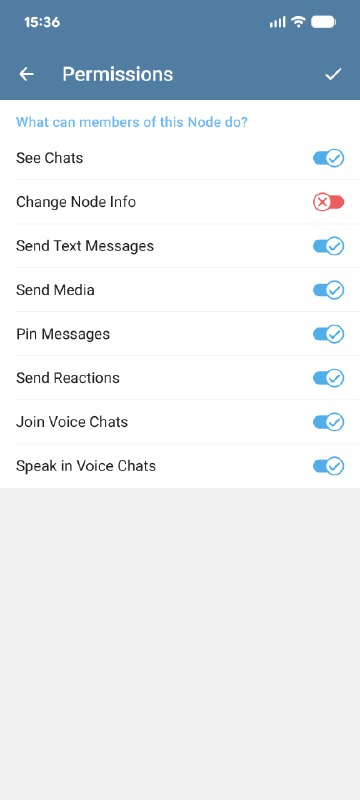
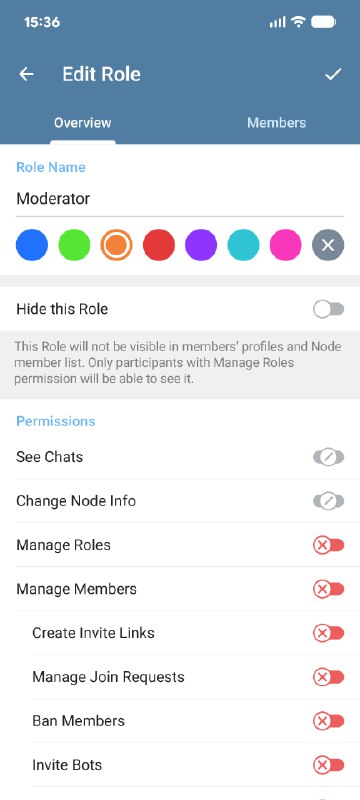
Roles are a way to group members of a Node and control their permissions across different parts of the Node.
Permissions can be customized per Space or per chat, allowing fine-grained control over what each role can do. For example, roles can be used to allow a specific group of people access to a certain Space, isolating that team's work from others.
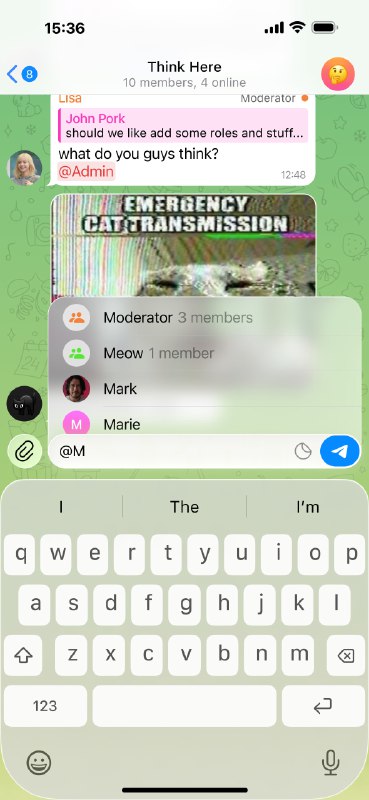
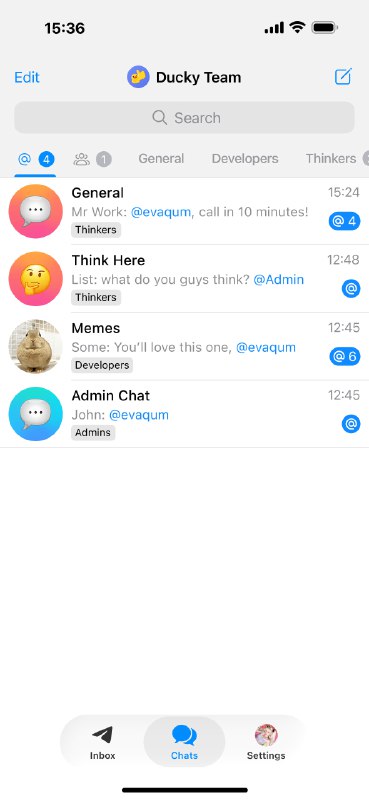
Participants can also mention a role in a chat, notifying members of that role who have access to the chat.
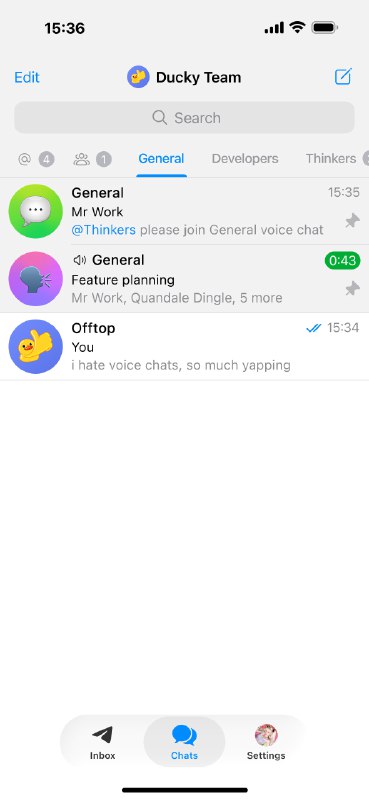
Every chat in a Node exists in a single Space and can be moved between different Spaces. Spaces work like folders by grouping chats, but are much more powerful.
Spaces are managed by Node admins and can contain multiple chats. Access to each space can be controlled independently, allowing teams to be isolated from one another.
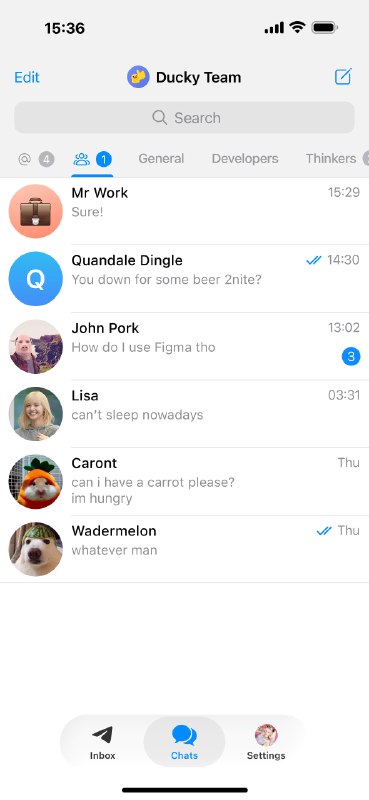
You can also access your direct messages and chats with unread messages from the tabs on the left of the Spaces list.
![Telegram Nodes [Contest Entry]](https://cdn4.telesco.pe/file/W5x_BO9SBzB3k9pvs5j3oRbr8EqnFZtwScLvylotJ3E33mQz7hLEvQBKvDsVpjpFgBHjOIZmkpv92ryFwtRgN2w59MF5VlwzGx6h_XWVaHwJO7aoI73XGkwn7A4rNtoGn0VxMPf0vjWPcFo7GTh8XGDzPQWaVlULx1U7QpxT6trKxlgPIDYJcFrzZkPtlHxwEi6kIA-5yeZ8yzKFsT5aC7ETn-0d3RAu6buPaueaKa4m3M4o32jtraCDa1Pnp-PsS9RbBmKH7UOl1_Mfnstt72JQBiA_k3Rqzi3A09b9o1fKxqcoAB5IPUEi8W63R-7k2UA1rKVvsbo8B_Nk6ucGLQ.jpg) TE
TE