🖥
How to Publish Your Video for the Fitton Challenge 🖥
[UA]Here’s a simple guide to make sure your workout videos meet all the requirements.
1. Record your workout video• You need at least
20 videos during the 30-day challenge
• Each video must clearly show the
date (calendar, overlay, timestamp, or app interface)
• Videos must stay
public and available for at least
7 days after the challenge ends
• Always keep the
original unedited file for verification
2. Show your workout and mention FittonYou can do any workout (home, gym, running, etc.)
If you’re
not using the Fitton app, you must clearly mention “Fitton”:
• Say it out loud in the video
• Or add text or graphic that shows the name
If you use
Fitton screen recording, you don’t need to add anything — it’s included automatically
3. Post your video on social mediaAllowed platforms:
TikTok, Instagram, Twitter (X)Make a standard post and
tag us:
• TikTok:
https://tiktok.com/@fitton_app• Instagram:
http://instagram.com/fitton_app/• Twitter (X):
https://x.com/fitTON_appAlso add hashtags:
#fitton #FittonWeightLossChallenge #10k10kg
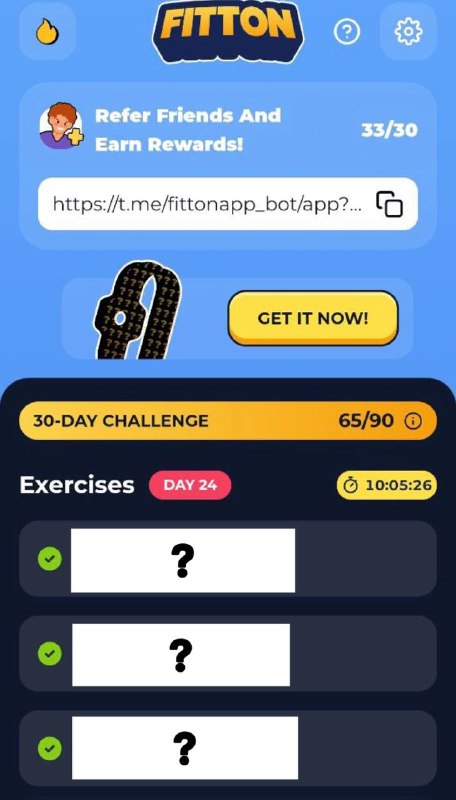
4. How to enable Fitton screen recording• Open the app → go to
Profile• Tap
Settings• Enable
“Screen recording”• Start any preset workout
• When it ends, the video is saved automatically
• You can then send it to the bot and upload it to your socials
⌛ You can find a step-by-step guide on how to do it here: https://linktr.ee/fitton