
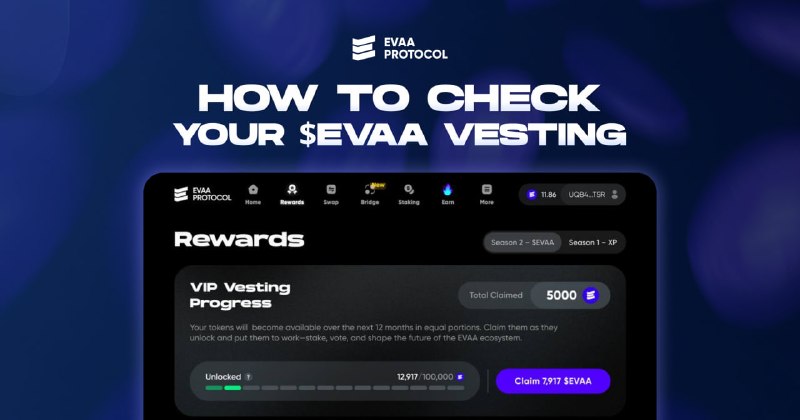
New $EVAA unlocks have started for many vesting users.
If you purchased $EVAA in an investment round, received an allocation, or have tokens assigned through vesting, you can check your schedule and claim available tokens in the EVAA interface.
Here is small guide 📕
1️⃣To view your vesting position, connect the wallet that was used for your investment round or allocation.
2️⃣Then open ⭐️Rewards tab and go to the VIP Vesting Progress section.
3️⃣Once part of your allocation is unlocked, you will be able to claim it directly from this section.
Thank you for supporting EVAA from the very beginning 😇
App | Support | X | Guides | Ref | SDK