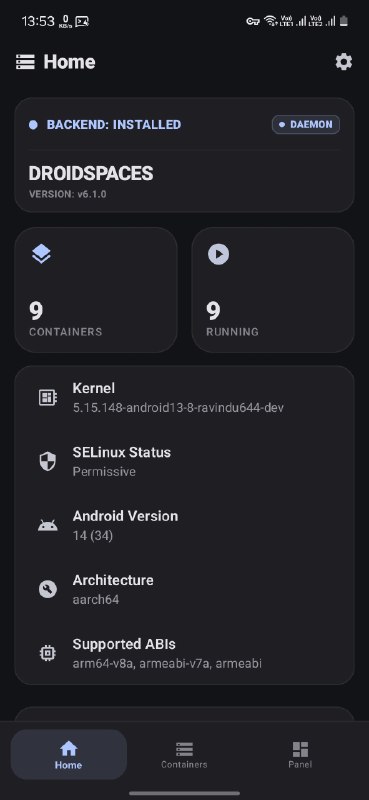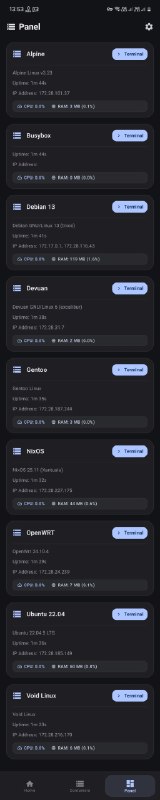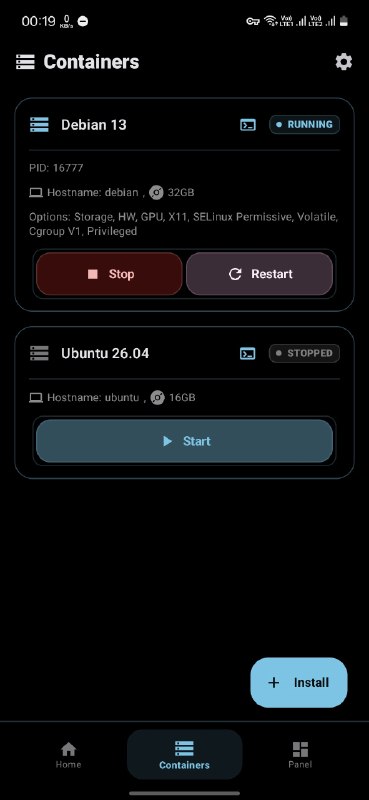
https://github.com/ravindu644/Droidspaces-OSS
CI: @DroidspacesCI
Post #371
505
Starting from v6.1.0, we stopped masking
this is the exact feature that finally allowed real hardware access.
before this,
now, with the udev relaxation, your container acts like a real linux machine. it sees sdcards, usb drives, inputs, network hardware, and block devices properly in --hw-access mode.
here is the reality:
Droidspaces just fires up init and manages the environment. it does not do anything apart from that. when you use hw access, the container might own the hardware during boot.
If a droidspaces container takes control of the pogo pin keyboard, android is left with nothing. so if your keyboard works perfectly inside the container but is "broken" in android, congratulations. That is not a bug. that is the container doing exactly what you told it to do.
Stop blaming droidspaces because you do not understand how linux works. If you enable hw access and things go sideways, you signed up for it. The documentation literally has a giant red caution bar warning you about bricking your device and wiping your entire partition table.
Your choices:
1. use gpu access only if you are not ready for this
2. go back to masking
3. use hw access only when necessary and accept that with great power comes the responsibility of not crying when your container steals your hardware from android
read the docs and understand how linux works. your choice.
systemd-udevd and systemd-udev-trigger in post-extract-fixes.sh, and allowed udevd to access 5 subsystems.( usb, block, input, tty, net )this is the exact feature that finally allowed real hardware access.
before this,
--hw-access was a placebo. your /dev/sd* block devices did not even exist, even in hw-access mode, and your container had broken hardware access support. hardware existed, but most of the container processes were not able to see it. That's why nothing bad was happened.now, with the udev relaxation, your container acts like a real linux machine. it sees sdcards, usb drives, inputs, network hardware, and block devices properly in --hw-access mode.
here is the reality:
Droidspaces just fires up init and manages the environment. it does not do anything apart from that. when you use hw access, the container might own the hardware during boot.
If a droidspaces container takes control of the pogo pin keyboard, android is left with nothing. so if your keyboard works perfectly inside the container but is "broken" in android, congratulations. That is not a bug. that is the container doing exactly what you told it to do.
Stop blaming droidspaces because you do not understand how linux works. If you enable hw access and things go sideways, you signed up for it. The documentation literally has a giant red caution bar warning you about bricking your device and wiping your entire partition table.
Your choices:
1. use gpu access only if you are not ready for this
2. go back to masking
systemd-udevd and systemd-udev-trigger and enjoy "dumb hardware access"3. use hw access only when necessary and accept that with great power comes the responsibility of not crying when your container steals your hardware from android
read the docs and understand how linux works. your choice.
- 🗿 8
- ❤ 2
- 💩 1